 We ship our own products
 sanctumcloud

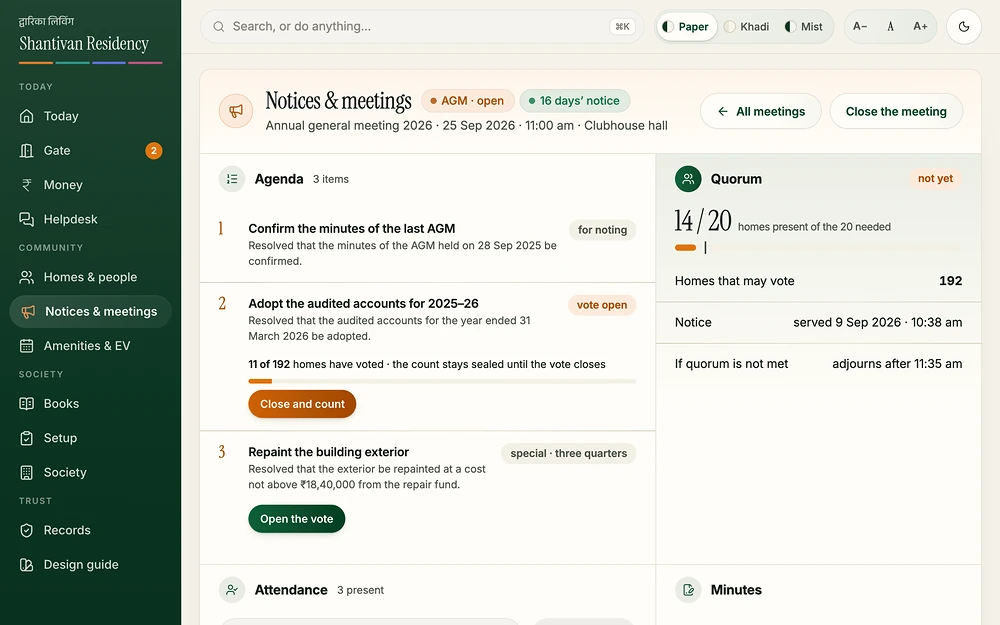
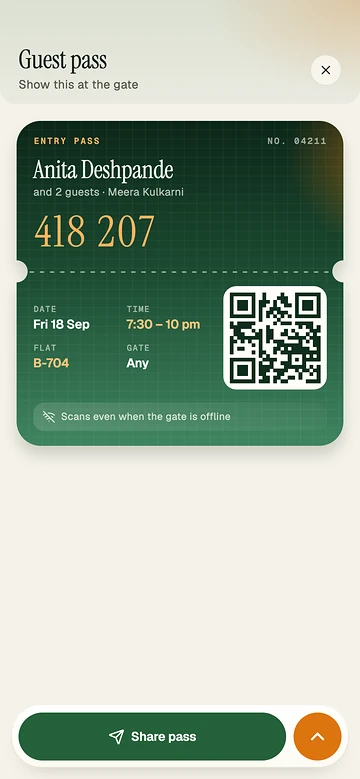
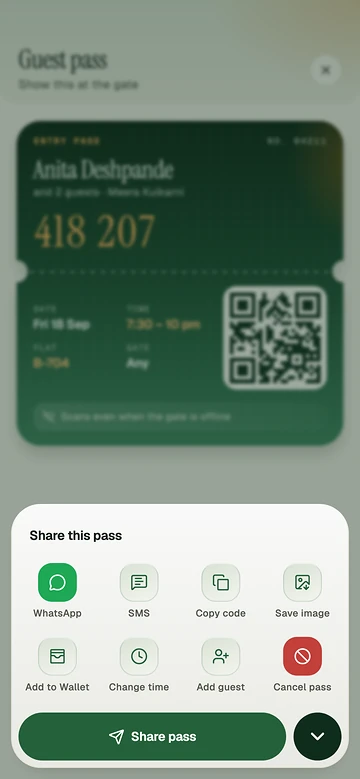
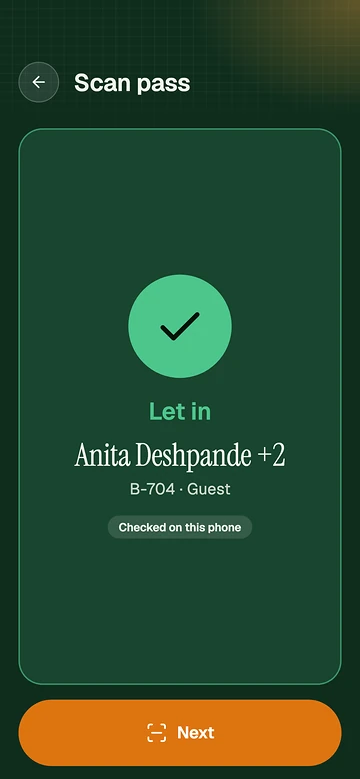
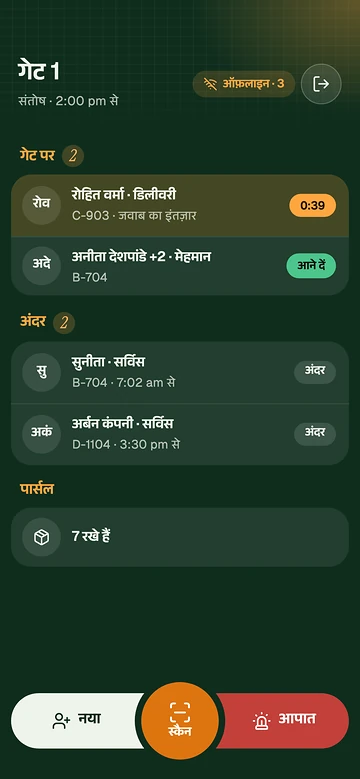
At the gate
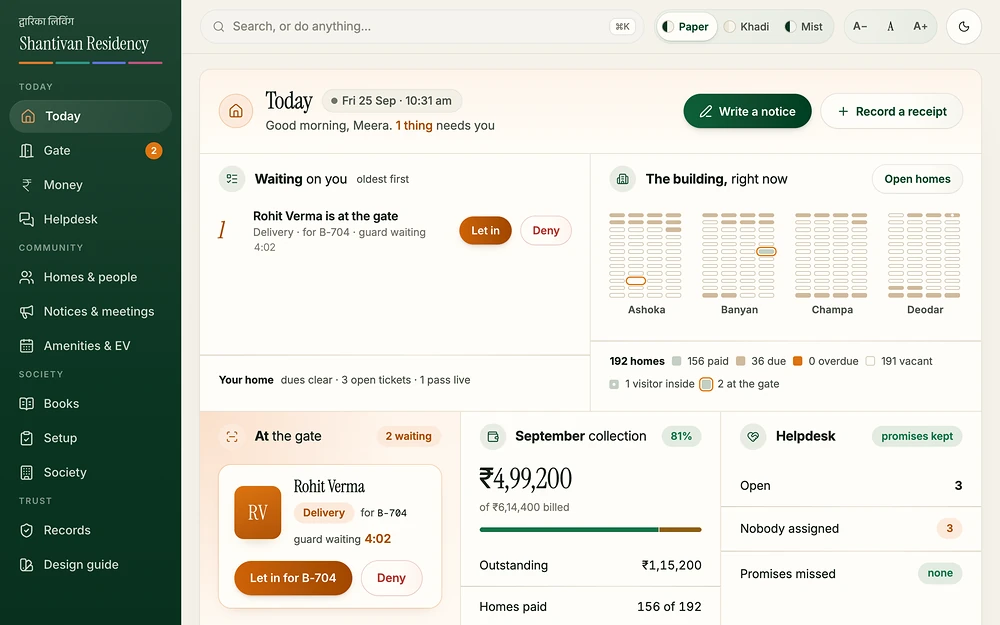
- Guest pass: invite a guest, delivery, cab or service for a window and share a ticket with a six-digit code and QR.
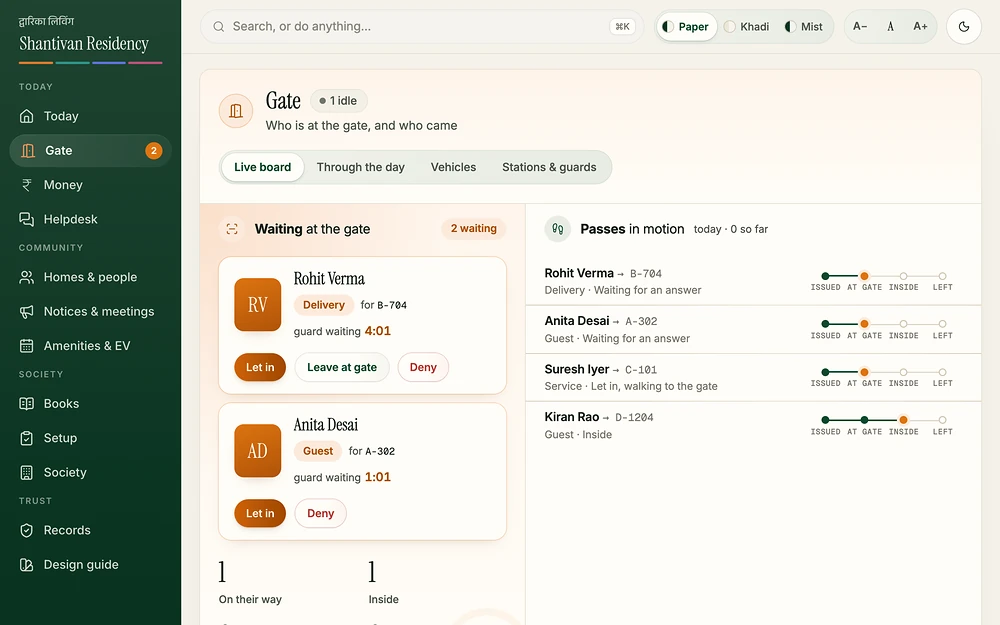
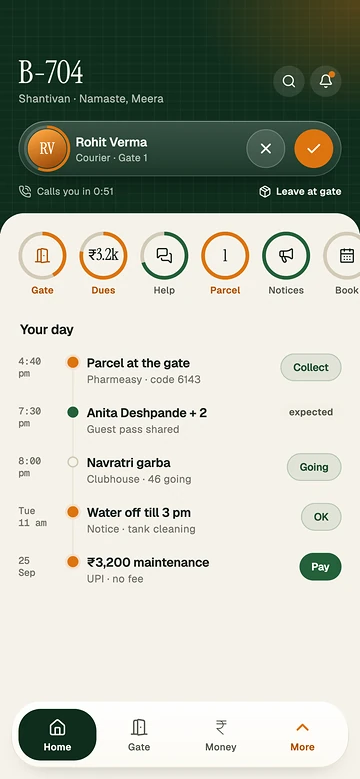
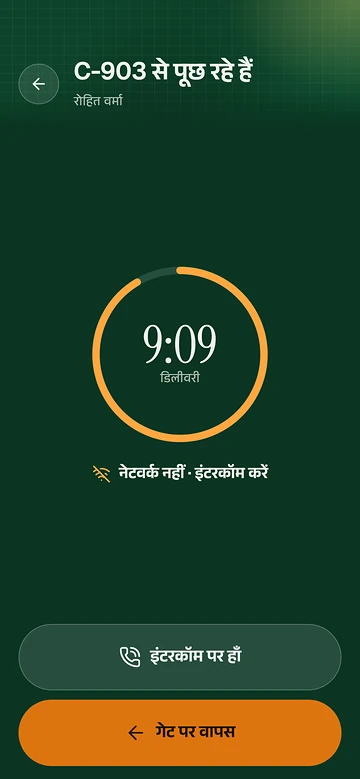
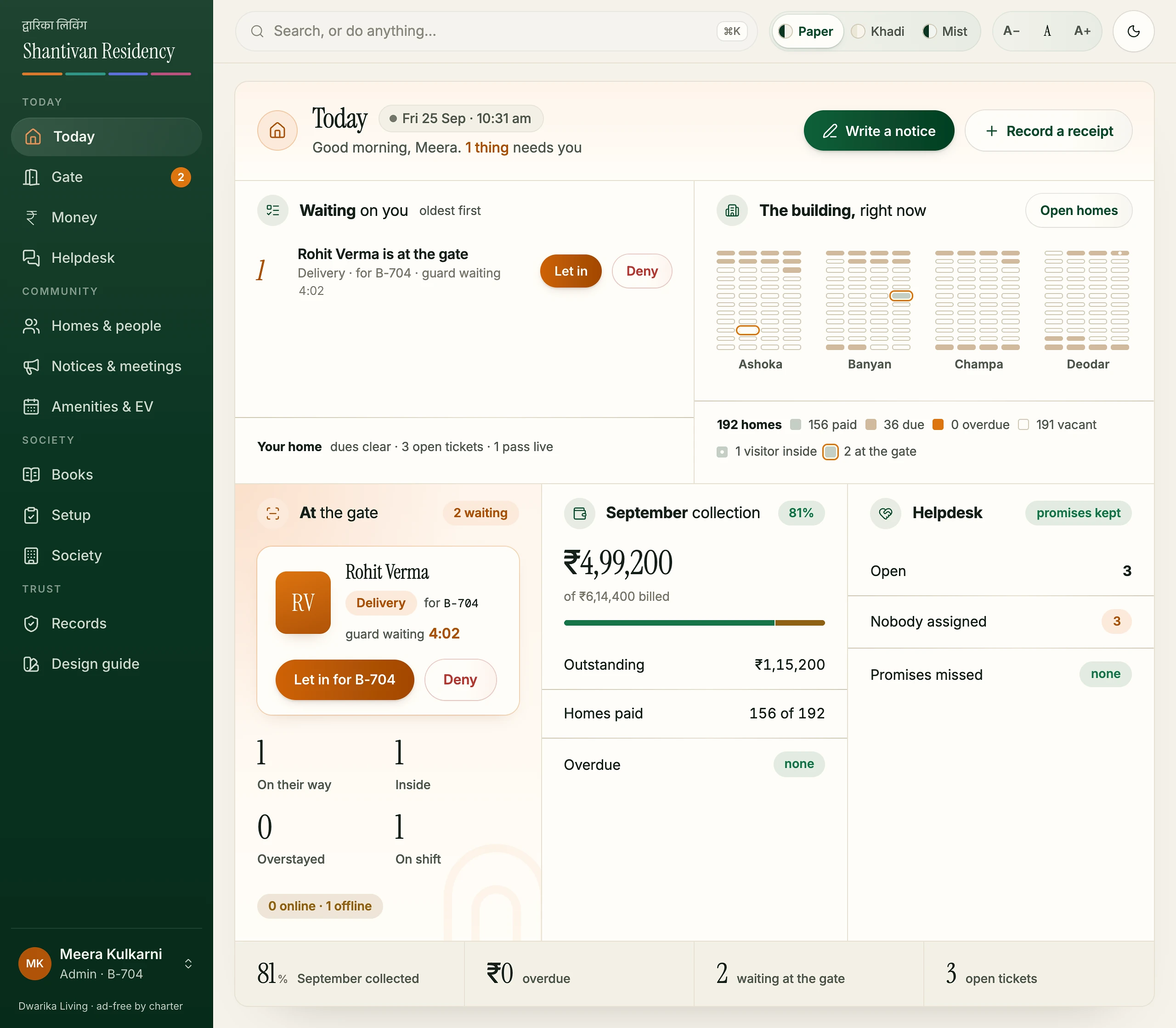
- Walk-in approval: the visitor appears on the resident's home screen with a countdown; tap to let in or deny.
- Leave at gate: one tap tells the guard to keep the delivery.
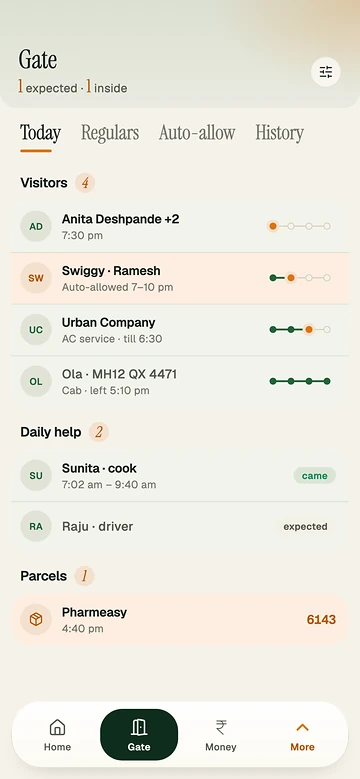
- Auto-allow: deliveries, cabs or services let in on their own within a window.
- Regulars: frequent visitors get their own lane.
- Guard mode: gate phone paired by a five-minute QR, shift started with a duty PIN, language chosen.
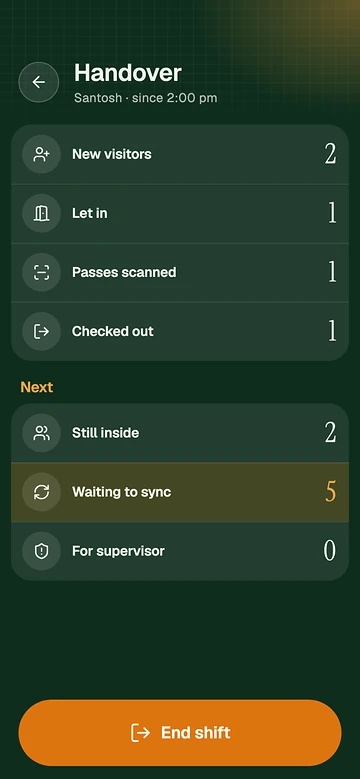
- Works without signal: walk-ins, scans, helper check-ins and emergencies all work offline; "Offline · 3" drains when the line returns.
- Scan a pass: QR verified on the phone with the society's gate key.
- Emergency entry: an ambulance goes straight in, reason recorded, committee told.
- Shift handover: what the shift did, who is inside, what still waits to sync.
- Supervisor card: a "no" that arrived while offline is flagged until someone taps Seen.
- Safe phone hand-back: unpair a gate phone; a fresh install never keeps an old gate key.
- Live gate board: waiting, passes moving issued › at gate › inside › left, stations, parcels.
- Through the day: entries per hour and answer time.
- Blocklist: a number or vehicle, society-wide or per flat, with expiry.
- Daily help: helpers expected on their days, checked in with a tap or their own QR card.
- Parcels: photo at the gate, household told, collected with a one-time code.
- Vehicles: each tied to its flat, plate lookup, visitor parking overstays.
- Child and elder watches: a guard tap sends the household a critical alert.
- Resident to gate calling.Soon